



Advantages of Interactive Whiteboard Panels
Interactive whiteboard panels are designed to revolutionize classroom teaching. They feature powerful functions and flexible designs that help teachers conduct interactive lessons more easily, enhancing students’ interest and efficiency in learning. Of course, they can also be used as note-taking and mind-mapping software to organize personal thoughts and improve work and study efficiency.
Main Features of Interactive Whiteboard Panels
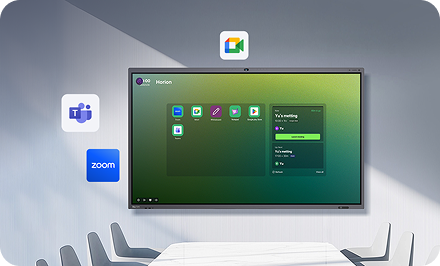
Cross-Platform Compatibility
They support major operating systems like Windows, Linux, and macOS, meaning you can easily use an interactive whiteboard panel regardless of the type of computer you use.
Rich Functions
Drawing Tools
They offer various shapes, lines, colors, and brushes, making it convenient for teachers to draw, annotate, and present.
Multimedia Support
They support inserting images, videos, and audio, enriching classroom teaching content.
Interactive Elements
They provide multiple interactive elements, such as buttons, sliders, and quiz questions, to help teachers interact with students.
Classroom Management Tools
These include timers, scoreboards, and group functions, making it easier for teachers to manage classroom order.
File Management Functions
They allow easy import and export of various files, facilitating lesson preparation and sharing of teaching resources.
Simple and User-Friendly Interface
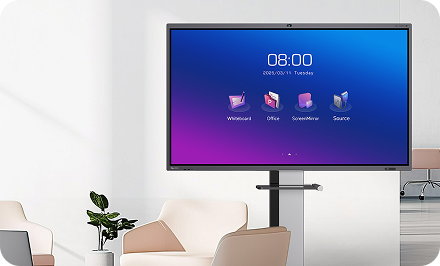
The interface of interactive whiteboard panel is simple and intuitive, making it easy to use, even for teachers using it for the first time.
Advantages of Interactive Whiteboard Panels
Enhanced Classroom Interactivity
Interactive whiteboard panels offer multiple interactive elements, helping teachers engage in real-time interaction with students, making the class more lively and interesting.
Increased Student Engagement
The interactive functions of the whiteboard can stimulate students’ interest in learning, making them more actively participate in classroom activities.
Improved Teaching Efficiency
The rich features of interactive whiteboard panels can help teachers better organize teaching content, improving classroom efficiency.
Application Scenarios of Interactive Whiteboard Panels
Classroom Teaching
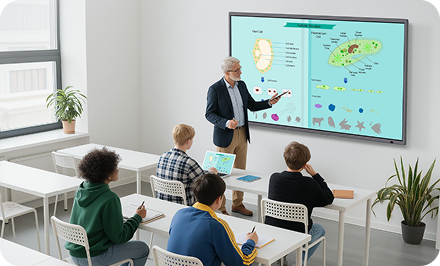
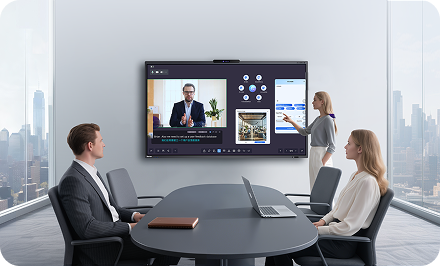
Teachers can use interactive whiteboard panels for presentation of courseware, student interaction, and classroom management.
Online Teaching
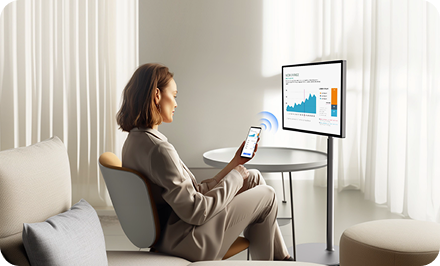
Teachers can use interactive whiteboard panels for remote teaching, engaging in real-time interaction with students.
After-Class Tutoring
Teachers can use interactive whiteboard panels for after-class tutoring, helping students consolidate classroom knowledge.
Horion’s Interactive Whiteboard with EDLA Certification
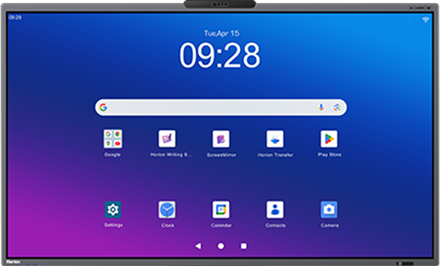
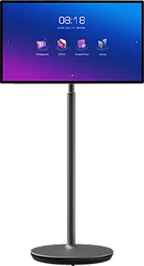
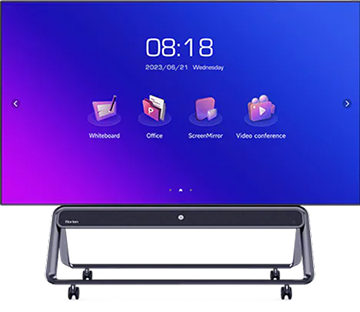
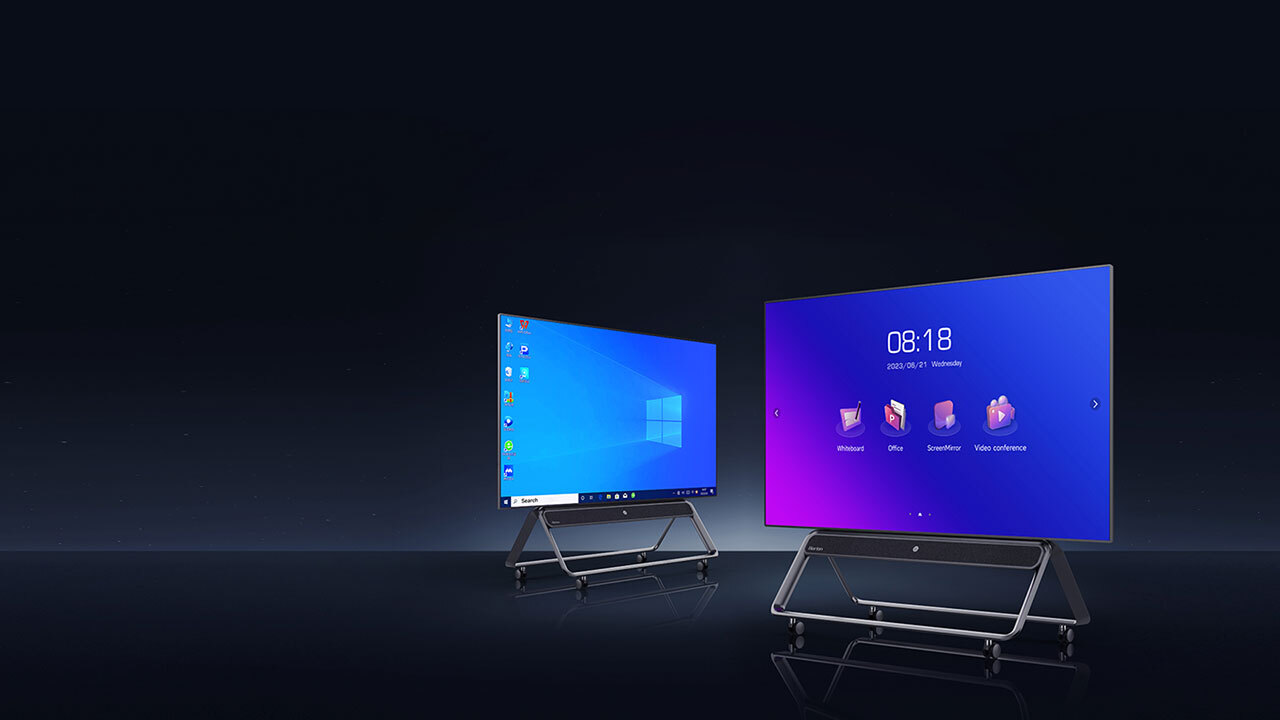
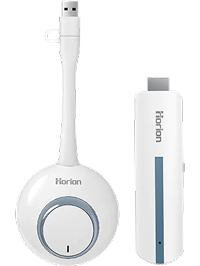
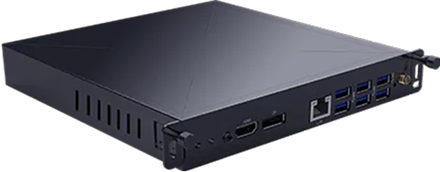
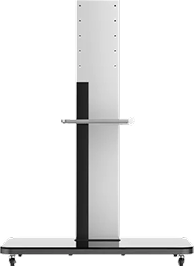
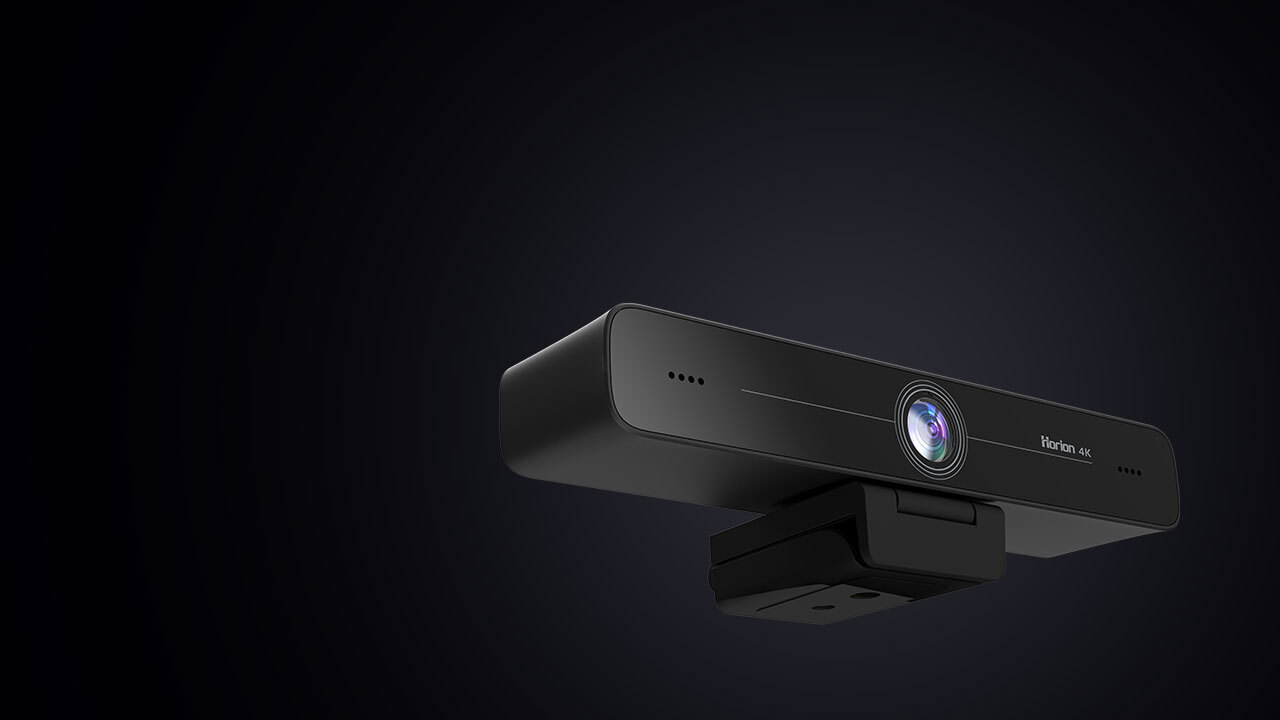
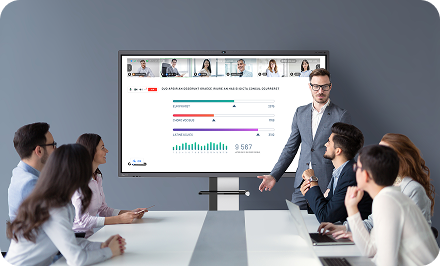
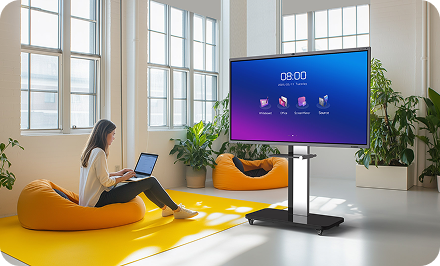
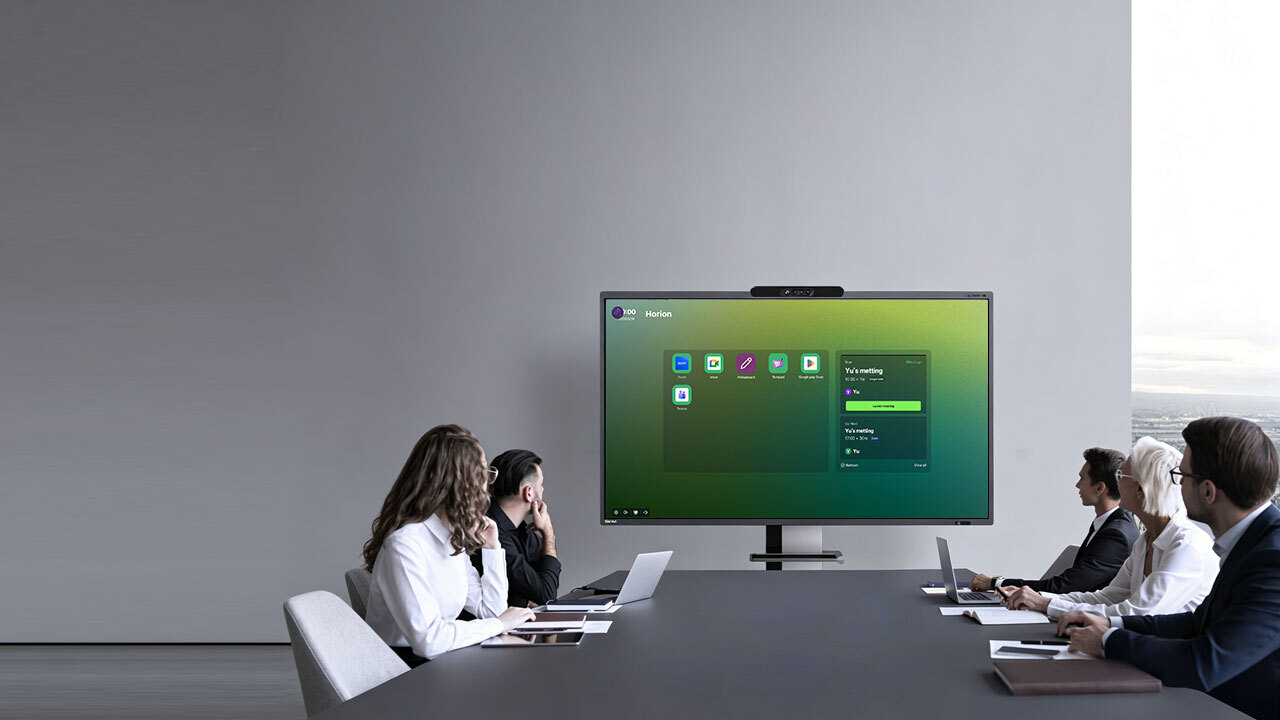
As one of the professional interactive panel companies, Horion has launched an interactive whiteboard with EDLA certification aimed at enterprise and educational users. This smart productivity and collaboration device has been certified by Google EDLA. This certification ensures the safety of using the interactive whiteboard panel and provides access to various applications in the Google Play Store, offering an experience beyond expectations.