





Making Learning More Interactive with Horion
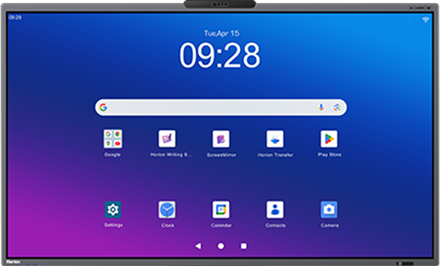
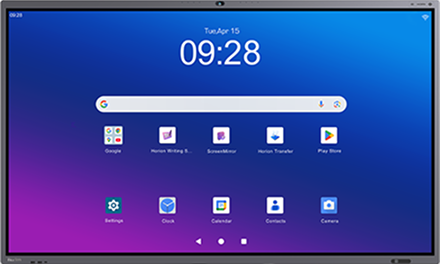
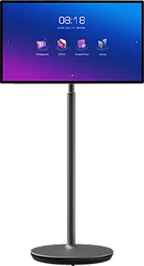
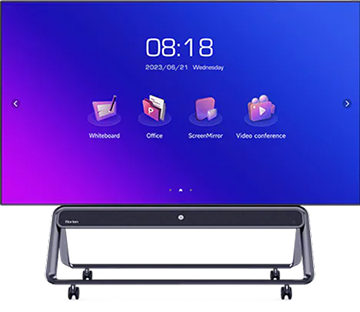
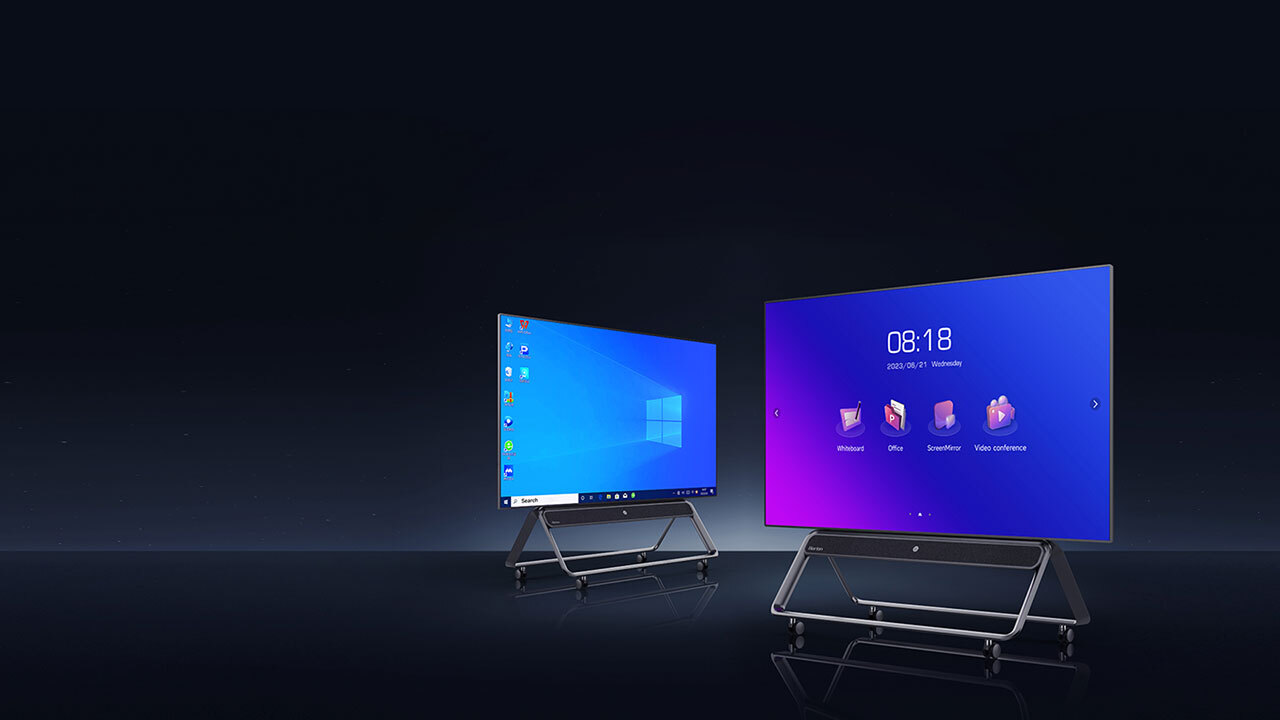
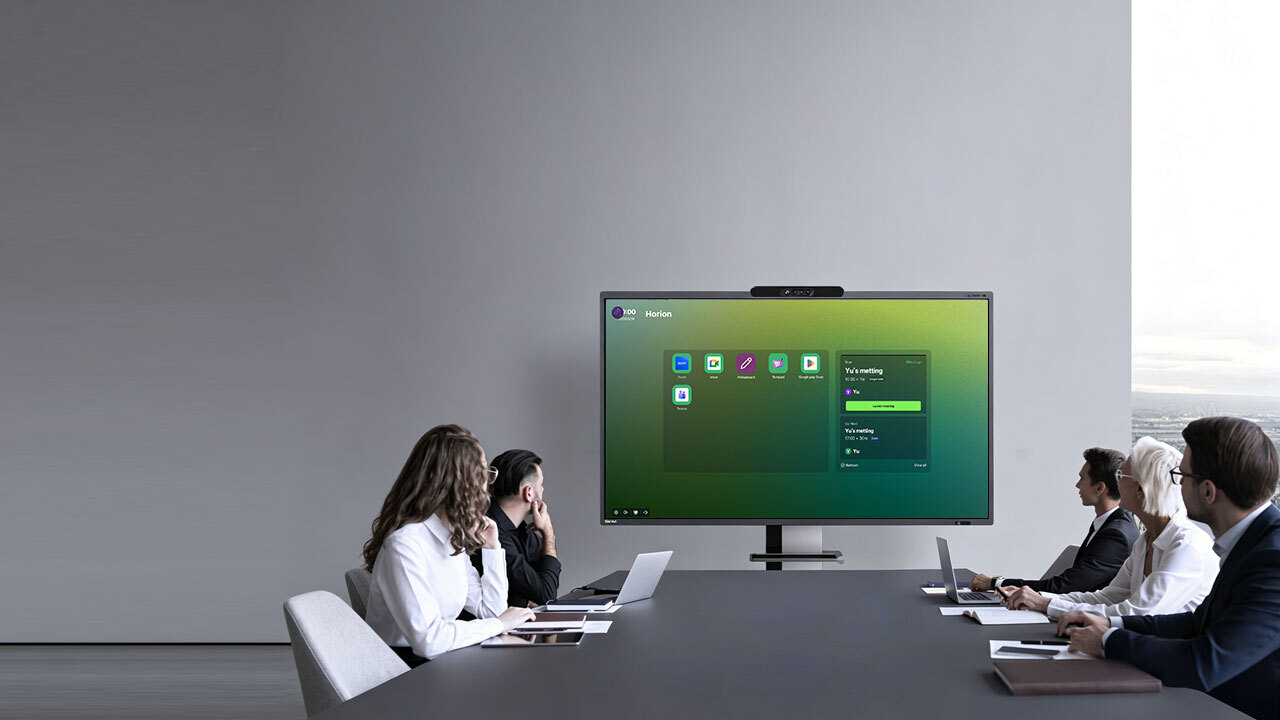
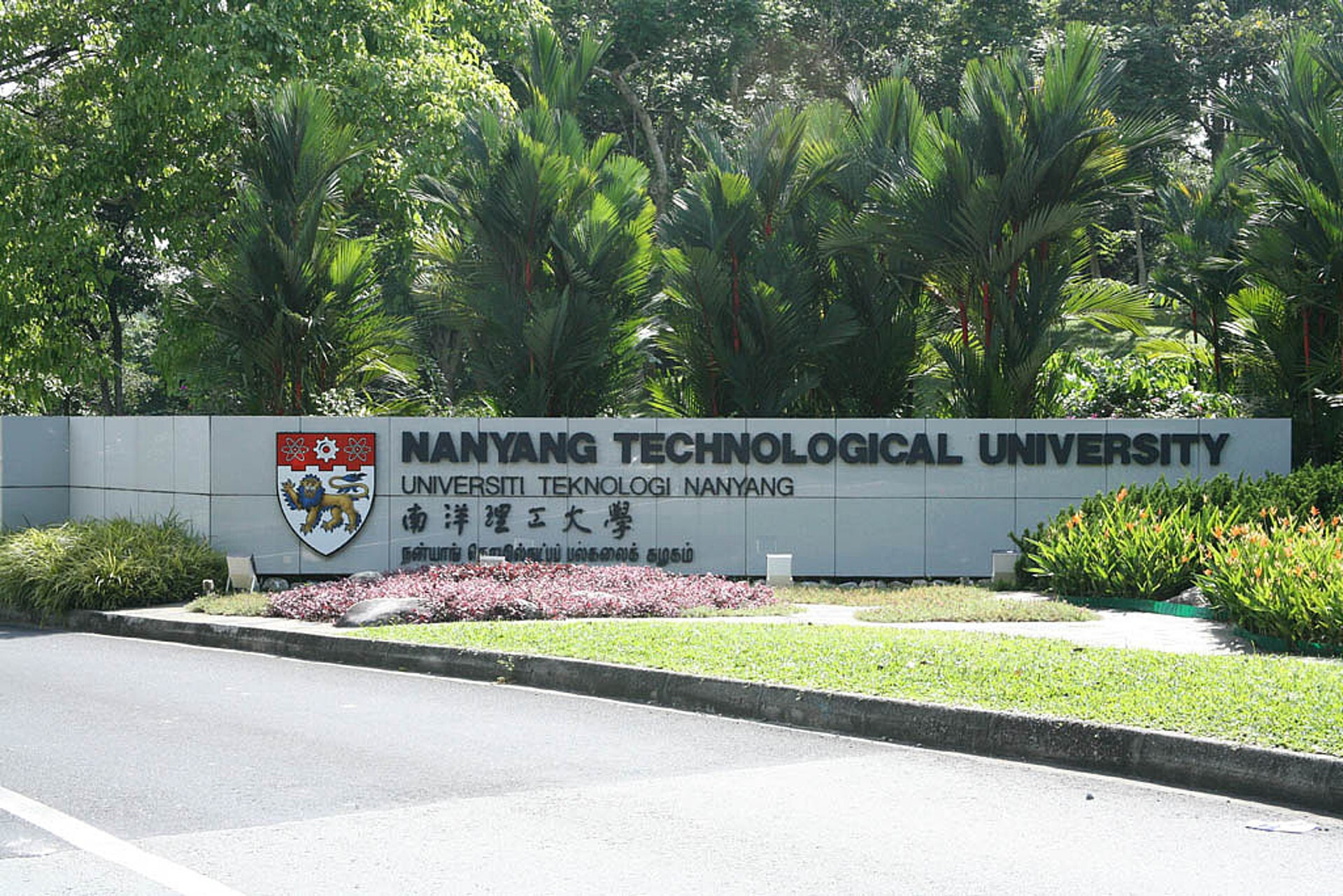
At Nanyang Technological University (NTU), Horion interactive displays are helping create a more engaging and collaborative teaching environment.
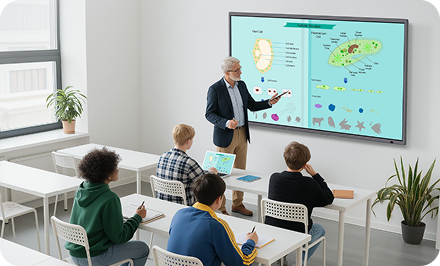
For professors, the interactive display provides more than a traditional presentation screen. It creates a digital workspace where teaching content can be displayed, shared and discussed with students in real time.
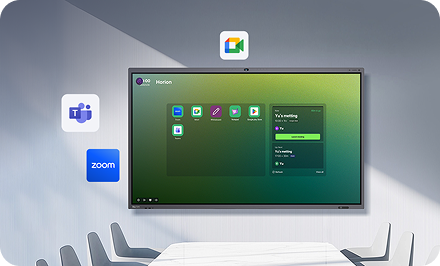
With features such as wireless screen sharing and four-way split-screen display, professors can bring multiple sources of content into the classroom and encourage students to participate more actively in the learning process.
A More Interactive Classroom
Traditional classroom teaching often relies on a single presentation screen, limiting how much content can be displayed and discussed at the same time.
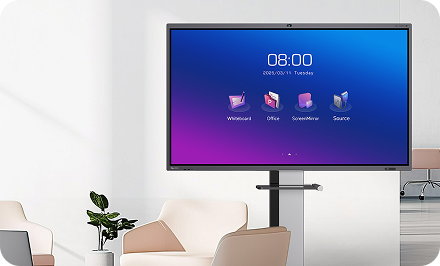
Horion transforms the classroom display into an interactive teaching platform, giving professors greater flexibility to present information and engage with students.
Wireless Screen Sharing
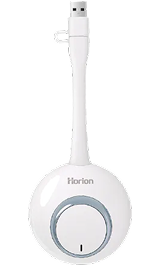
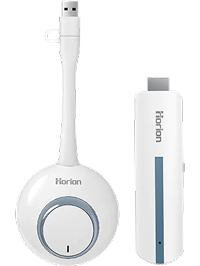
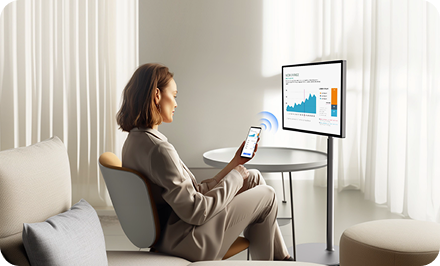
Professors can wirelessly share content from their devices to the Horion display, making it easy to bring presentations, documents, images and other teaching materials into the classroom.
Without the need for complicated cabling or setup, teaching content can be displayed quickly whenever it is needed.
Four-Way Split Screen
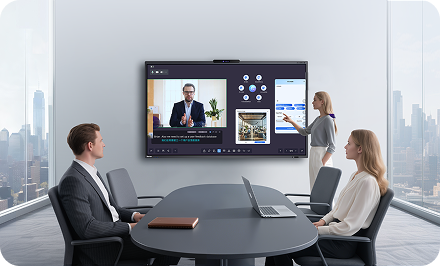
The four-way split-screen function allows multiple sources of information to be displayed simultaneously.
Professors can compare different materials, present multiple topics or keep reference content visible while discussing another subject.
This is particularly useful for lessons that involve comparison, analysis and discussion, giving students a more comprehensive view of the learning content.
Learn Through Interaction
With an interactive display, teaching becomes more than simply presenting information.
Professors can interact with content directly on the screen, while students can follow visual materials more easily and participate in discussions.
By combining presentation and interaction in one workspace, Horion helps create a classroom environment where ideas can be shared and explored more naturally.
From One-Way Teaching to Two-Way Interaction
Horion supports a more dynamic teaching workflow:
Share → Present → Compare → Discuss → Interact
Instead of switching between different display devices or presentation methods, professors can bring teaching materials together on one screen and adapt the lesson as the discussion develops.
Multiple sources can be viewed at the same time, making it easier to explain relationships between concepts and encourage students to think, compare and discuss.
Designed for Modern Education
For higher education environments such as NTU, where teaching often involves complex information and diverse digital content, an interactive display can provide a flexible foundation for modern classroom collaboration.
Horion supports professors in creating lessons that are:
More VisualPresent multiple types of content in a clear and engaging format.
More FlexibleSwitch between different teaching materials and display layouts as the lesson progresses.
More InteractiveUse the display as an active teaching workspace rather than a passive screen.
More CollaborativeCreate more opportunities for discussion and interaction between professors and students.
A Smarter Way to Teach
At Nanyang Technological University, Horion is helping bring greater flexibility and interaction into the classroom.
By combining wireless screen sharing, multi-screen display and interactive teaching, Horion gives professors a smarter way to present information and engage students — transforming the classroom into a more connected and collaborative learning environment.
Key Applications
Lectures · Interactive Teaching · Group Discussion · Content Sharing · Visual Comparison · Classroom Collaboration
Empowering Educators. Engaging Students.
Horion interactive displays help educators move beyond traditional presentation methods, creating learning experiences where content, ideas and people can connect more naturally.