
Welcome to Horion Knowledge Base
A place where you can easily troubleshoot and resolve issues with your Horion products
Interactive Flat Panel
Interactive Flat Panel
Accessories
Other Product
Software
Other Issue
Printer connection
Horion IFP supports HP, EPSON printer and other printer that supports mopria protocal.
2026.09.03
Panelnet: Can horion commercial display use panelnet?
Yes, supports.
2026.09.03
Horion meeting management: The server changes but old activation code fail to work
The activation code is bind with the old server, pls contact with technical engineer for unbind, and provide the activation code.
2026.09.03
Horion meeting management: Installation issue
Solution:
1. Check if the Java environment has been installed according to the steps.
2026.09.03
HM-5U: Cascade between 2 HM-5U
The cascade cable needs to be bought separately...
2026.09.03
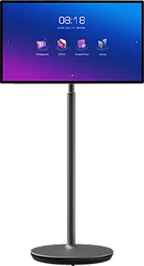
Smart Lectern(27EP1-SA): How to install applications
27EP1-SA haven’t pre-install GMS frame, need to install application with apk, or via the browser.
2026.09.03
Smart Lectern(27EP1-SA): Smart podium can’t turn on and screen shows black when first install
Check the adapter if suitable and replace another one...
2026.09.03
Smart Lectern(27EP1-SA): Smart podium include battery?
No, don’t include
2026.09.03
Smart Lectern(27EP1-SA): Can microphone sound out via dongle?
No, microphone sound only supports transfer with cable (HDMI/ Audio cable).
2026.09.03
HT-5: HT-5 BYOM
HT-5 supports BYOM, if the software inside your dongle is old...
2026.09.03
HG-2SA: Can HG-2SA do reverse control?
No, don’t support.
2026.09.03
HG-2SA: The HG-2SA failed to pair after being used for some time
Solution: Get contact with technical engineer to upgrade the software of the dongle.
2026.09.03
HT-6A: The resolution of HT-6A casting
4K via type-C port, 2K via USB-A port.
2026.09.03
HT-6A: Disconnect with 2.4G hotspot
Use 5G hotspot to do screen mirror, the signal is transmit from dongle no need the device support 5G.
2026.09.03
OPS windows: OPS touch fail (In Android system normal)
1. Insert a USB drive to the front board, and check if OPS and Android can both recognize this USB drive or not.
2026.09.03
OPS windows: How to use whiteboard in windows system
1. Use the multi-application function to open whiteboard as a windows.
2026.09.03
OPS windows: Windows update and Microsoft store
Our OPS update and microsoft store is off defaultly...
2026.09.03
32MR1A: 4.2.1.When touching the screen, the touch position deviates.
1.Restart the panel——remove the power cable first
2026.09.03
Hardware replacement issue: After changing mainboard, the screen mirror can’t be activated.
The mac address needs to be changed.
2026.09.03
Screen issue: Screen shows a line (Horizontal or vertical)
Take some pictures in different background ( white, black, green, red), and send to tech enginneer to check the issue.
2026.09.03
Camera and Microphone issue: Can’t detect microphone
Solution:
1. Do mandatory update.
2026.09.03
Camera and Microphone issue: Can’t detect the camera in M6APro
Solution: 1. Switched to OPS to check the camera use situation
2026.09.03
Camera and Microphone issue: The introduction about the 48MP+3x8MPcamera in M6Apro V2
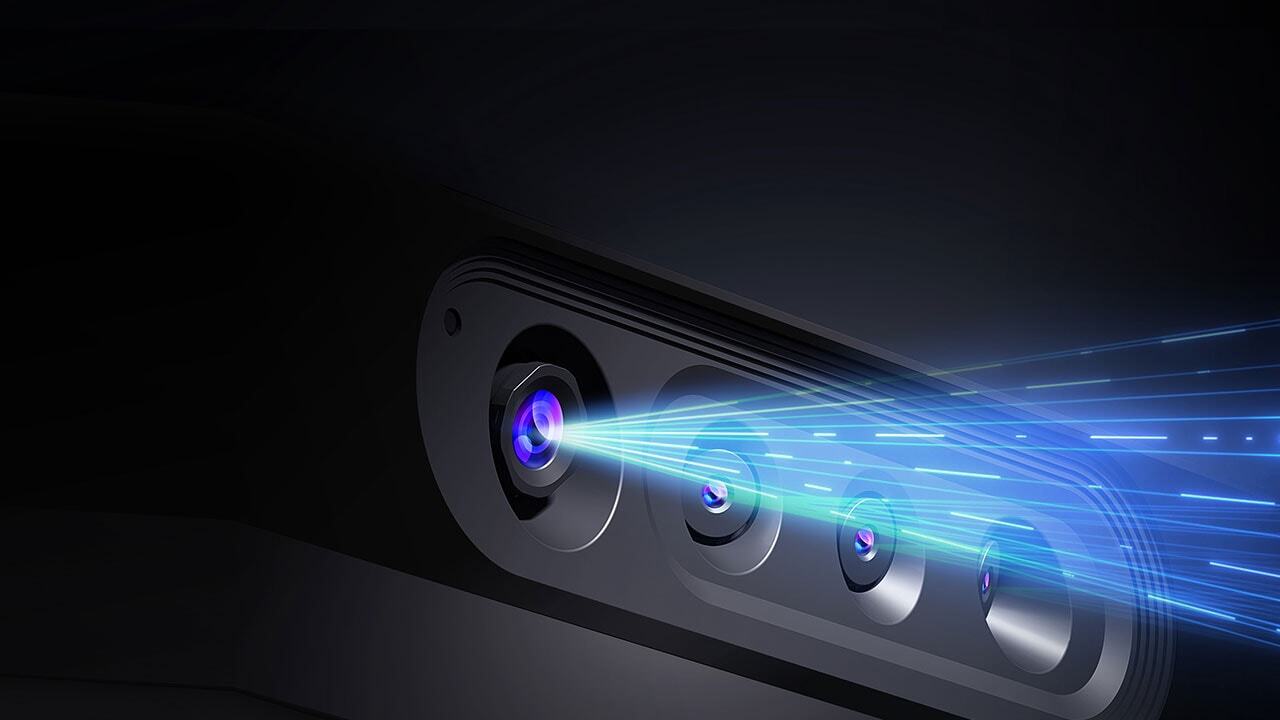
48MP camera is for normal camera, the other 3 are telephoto lens, which means you can get clear vision for further objects.
2026.09.03
Software settings: How to auto boot up applications
Now it’s not support in panel settings, some application like panelnet supports.
2026.09.03
Software settings: How to upgrade EDLA model
Go to google launcher- settings- system- system update
2026.09.03
Software settings: How to open applications as a windows that not show in the multi-windows list?
Solution: Long press multi-windows button, choose settings and go to settings- applictaion
2026.09.03
Software settings: How to change the main interface app?
1. Remote control - click source and then up up and down down - Horion Settings Menu - Personalization - Change Home Application - Select "On";
2026.09.03
Software settings: How to change interface from Google launcher to Horion launcher?
Go to settings-advanced settings to change launcher
2026.09.03
Software settings: How to open sleep mode in M6Apro?
In horion launcher-settings-accessibility-sleep mode...
2026.09.03
Screenmirror issue: Can't do annotation when mirrorscreen using HDMI cable
which show “The content is copyrighted and cannot be annotated”
2026.09.03
Screenmirror issue: Can't download Kshare from MirrorScreen link
Need to connect with IFP itself hotspot firstly.
2026.09.03
Screenmirror issue: BYOM issue in Mac computer
APPLE side have announced to forbid the driver like our BYOM driver...
2026.09.03
Screenmirror issue: BYOM affected by laptop CPU architectures
Due to the compatibility issue, the BYOM cannot be used on laptops with ARM architectures currently
2026.09.03
Screenmirror issue: Can't activate the ScreenMirror/ Needs the activation code
ScreenMirror application would be activated while connecting with WiFi
2026.09.03
Screenmirror issue: Dongle and IFP/ LED ALL IN ONE
HT-2/HT-2S/HT-3: Working with transcreen software
2026.09.03
Screenmirror issue: BYOM issue
Dongle can't use BYOM; Kshare can't use BYOM
2026.09.03
System issue: When IFP enter aging mode, how to exit?
1. Restart the machine
2. Using the remote control enter factory menu
2026.09.03
System issue: M6AProEDLA playstore can’t find the app
1. Check if the system version is V2.1.
2. Click the "about" title at the top multiple times in the settings-About page.
2026.09.03
System issue: When boot up, the logo exists for a short time and the screen go black
Solution: Try to do firmware update first, if not work...
2026.09.03
System issue: Auto reboot after booting up the IFP
Solution: Madantory update, if it's not work, contact with the technical engineer to ensure the issue.
2026.09.03
System issue: Gets stuck at the logo interface
Solution: Madantory update, if it's not work, contact with the technical engineer to ensure the issue.
2026.09.03
System issue: Boot up issue: After showing the logo then go to black screen
Solution: Mandatory update
2026.09.03
System issue: Some application can't be used in google launcher
Google launcher have some limitation with our software
2026.09.03
System issue: The screen doesn't light while open but it sounds out.
1. Sending the issue video and S/N to the technical engineer
2026.09.03
System issue: The IFP can't touch
1. Do mandatory update. Send the issue video to the technical engineer
2026.09.03
System issue: Can't light the screen after getting into standby mode in M6APro(EDLA)
The issue is already solved in V2.1.0
2026.09.03
System issue: The IFP gets stuck in the morning
This issue always occur in some old model like K6A, pls attention our product is 16hrs*7days using, don't support 24hrs using which would lead to some unpredictable issue.
2026.09.03
System issue: Can’t activate while boot up
Solution:
1. Boot up the panel, and quick click "pls select language" 5 times to skip activation
2026.09.03
New Articles
System issue: Can’t activate while boot up
Solution:
1. Boot up the panel, and quick click "pls select language" 5 times to skip activation
2026.09.03
Printer connection
Horion IFP supports HP, EPSON printer and other printer that supports mopria protocal.
2026.09.03
Panelnet: Can horion commercial display use panelnet?
Yes, supports.
2026.09.03