





pic
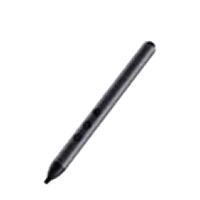
Horion HP-3S Smart Pen

A Versatile Smart Stylus

Write fluently with one pen | Flip pages quickly with one key |
Bring up a whiteboard by touching
R&D strength
Lead the industry
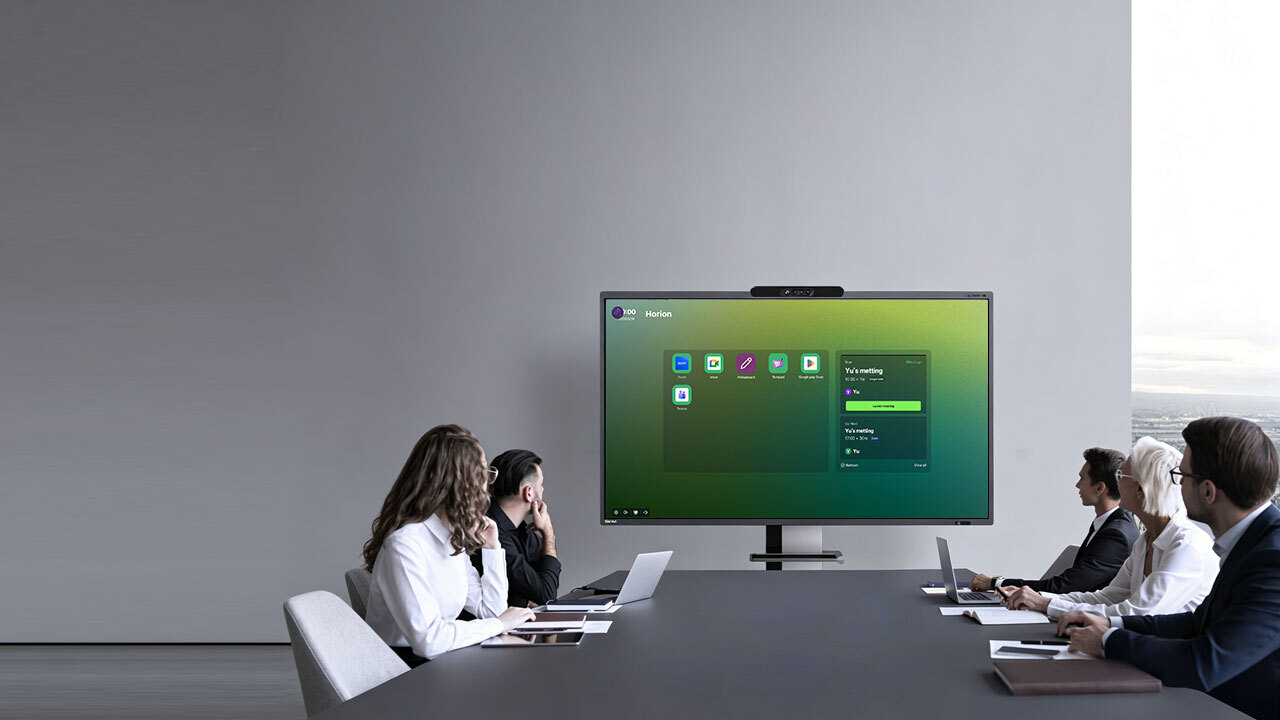
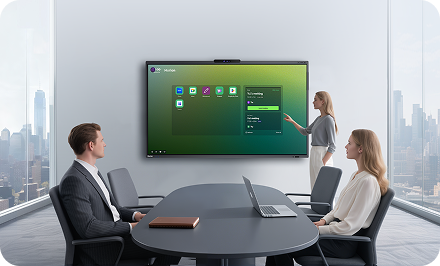
The R&D strength of Horion contributes to high efficiency. technology eases everything from writing to controlling the interactive flat panel to improve the meeting efficiency.
Horion Smart Pen Stylus - Simplest 3+1 keys Powerful 6 in 1 function

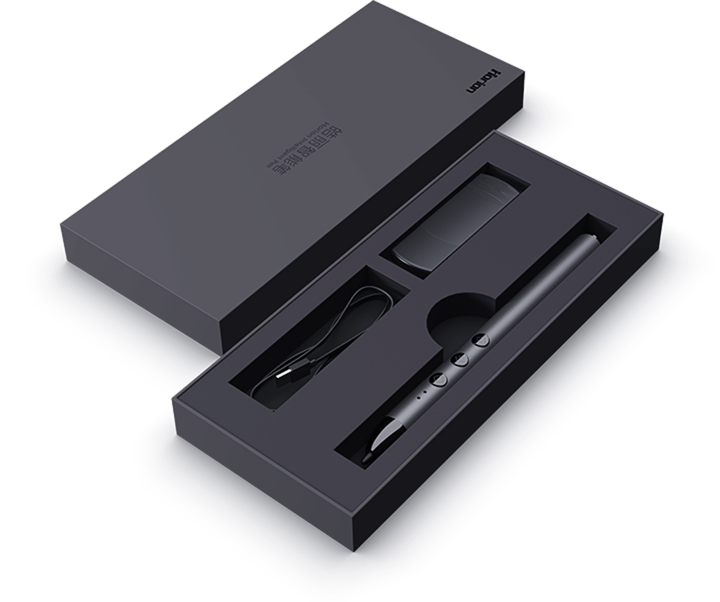
The Horion smart touch pen integrates functions of a writing pen, a page-flipping pen, a spotlight, a wireless mouse, and voice recognition, with all of them operated with one key, to finish demonstration and writing without any interruption.

Writing

Writing

Spotlight

Spotlight

Smart flying mouse

Smart flying mouse

Bringing up a whiteboard

Bringing up a whiteboard

Voice controlling

Voice controlling

Page flipping and indexing

Page flipping and indexing

The 3-Key Combination Makes Horion IFP Panel Pen Easy to Use
With Magnet Design. Horion Smart Stylus Pen Can Be Connected by Attaching.
Horion IFP Panel Pen - Patented Design, Combining Both Appearance and Quality, Showcasing Exceptional Craftsmanship and Technology.

Handsome dark gun color, sandblasting oxidation technology, elegant and straightforward appearance have been patented nationwide. The size and the shape of the smart digital pen are carefully tailored based on the users' habit of pen holding to provide a comfortable holding feeling.

Horion smart stylus patent number:CN305766508S

Write Fluently.
Once You Experience the Smart Screen Pen, You'll Never Want to Put It Down.

Hemispherical nano pen point, acute tilt angle, Horion digital pen stylus capable of simulating natural handwriting effect, contributing to fluent writing and bringing natural writing experience.

Bring up the Whiteboard.
The Smart Pen Operates Only by Touching.

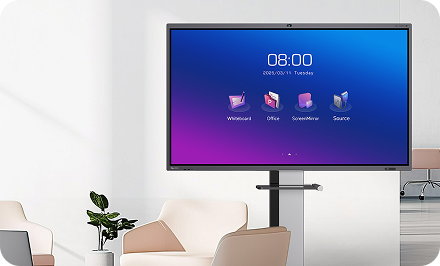
Put the bluetooth smart pen close to the NFC area of the interactive flat panel, touch it to enter the whiteboard interface, and touch digital smartpen again to return to the previous interface. In this way, you can switch the interfaces between the IFPD panel and the document presentation in the meeting at will.

Horion Smart Pen Stylus - One Key for Making Annotations.
Readily Capturing Fleeting Inspirations.
Tap the top of the smart stylus to start the annotation mode that enables users to annotate the contents of the PPT or the picture directly. With Horion smart touch pen, users can mark and underline key points, express thoughts logically, and enhance clarity of thinking.
Spotlight Mode with the Smart Screen Pen – Highlight Key Content with Precision and Clarity
Long press the top of the stylus pen for interactive panel to start the spotlight mode that enables you to display key contents to unify the thinking of all participants.
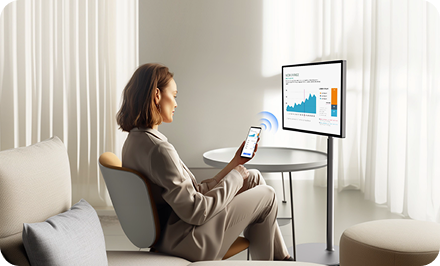
Remote Control - The Smart Pen Can Be Used as a Mouse.

Long press the fly mouse key on the digital board pen to start the fly mouse function, then click to perform the left key function of the mouse. This function adopts an intelligent anti-shaking algorithm that provides precise indexing and moving operations to control the interactive flat panel remotely.

The mouse precision of 1000 dpiThe quick response of 10 ms

Remote Page Flipping with Horion Smart Pen Bluetooth – Unhurriedly Deliver Speech with Confidence and Ease.
Make quick PPT page up/down through up/down arrow key without any latency. The smart pen stylus' remote controlling distance is about 15 meters, which satisfies the requirements of most meeting scenarios.
Apart from Manual Operation.
Voice Control Is Also Done with the Smart Touch Pen.
Horion smart touch pen supports voice control that enables your input by voice to be automatically recognized instead of writing a bunch of words, making efficient meetings.
Powerful Endurance. The Smart Touch Pen Offers 2-Week Endurance on a Single Charge.

The built-in high-performance lithium battery with durable service and high capacity keeps you engaged with smart interactive flat panel without any interruption.

1.5h

Quick charge of 1.5 hours

2
weeks

Endurance of 2 weeks

10h

Continuous clicks of 10 hours
Powerful Endurance. The Smart Touch Pen Offers 2-Week Endurance on a Single Charge.

The built-in high-performance lithium battery with durable service and high capacity keeps you engaged with smart interactive flat panel without any interruption.

1.5h

Quick charge of 1.5 hours

2
weeks

Endurance of 2 weeks

10h

Continuous clicks of 10 hours

Horion Smart Pen
Parameters
LED Indicator Light Color:
① Working indication:1) LED lights on when the button is pressed, and off when the button is released
② voltage indication: 2) When the battery is low (<3.2V), the LED light flashes at high speed
③ Charging indication: 3) the light is always on when charging, off when fully charged
④ No communication connection: 4) the light flashes slowly for about 40s to enter sleep
Top Button 1、Short click to make annotation, long press for 1.5s to turn on the spotlight, long press again to turn off;
2、Under Windows system: long press for 1.5s (highlight/digital spot/Magnifying glass/pointer mode switch back and forth) (this function needs to cooperate with APP to realize,APP is charged separately)
Flying Mouse Button Short press to activate Mouse left button function. Press and hold to activate flying mouse, release to deactivate flying mouse
Page Up Button Short press to page on. Long press for 1.5s to enter/exit full screen
Page down Button Short press to page down. Long press to turn on the microphone, release to turn off
MicrophoneLong press the page down button to tun on the microphone, release to shot down (only supports 2.4G mode)
NFCThe cap of the pen touches the NFC sensing area of Horion M5A series IFP to open/exit whiteboard.
Operating Voltage3.7V. Operating current≤21mA, stand-by current 50uA
Communication RequirementsRF2.4GHz, remote control distance up to 15 meters in open environment, 10 meters for Bluetooth mode
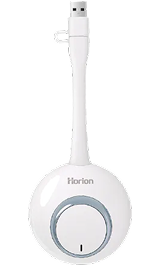
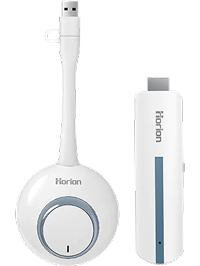
ReceiverSupports USB3.0/2.0/1.1
Power Control*With lithium battery *Low battery detection and prompt supported When Vbat≤3.2V, it is in low power state.